
How We Make Internal Processes Smarter with N8N -- Inspiration for Your Organization
Estimated reading time: 6 minutes
Key Insights:
-
Automation accelerates internal business processes and creates more time for strategic work.
-
N8N acts as a digital assistant, connecting people, software, and AI models.
-
Practical workflows provide greater control, overview, and actionable insights per meeting.
-
Modular approach makes automation accessible for every organization.
-
Concrete advice ensures you can get started quickly and pragmatically with N8N & AI.
Table of Contents
-
Automation as an Essential Link: Our Experience with N8N and AI
-
Behind the Scenes: How Our N8N Workflow for Internal Automation Works
-
Practical Advice: How to Get Started with N8N and Process Automation
-
Human Work, Digital Acceleration: Why Automation is Accessible to Everyone
-
Start Today: Discover Our AI and Workflow Automation Solutions
Automation as an Essential Link: Our Experience with N8N and AI
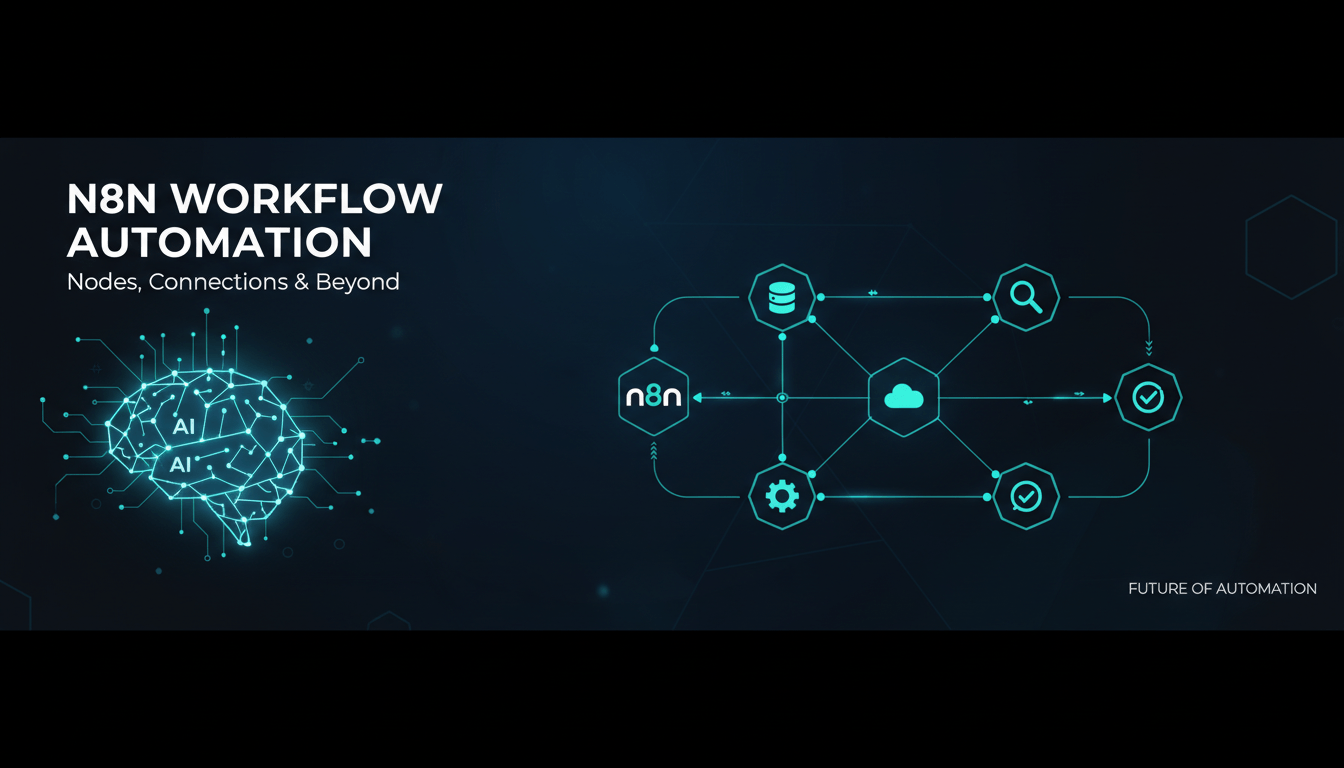
Who doesn't want to work faster, do less manually, and have more time for strategic work? That applies not only to our clients but also to ourselves. Automation is the key to an agile, future-proof organization for us. We don't just invest in solutions for others -- we also draw inspiration from the power of no-code automation and AI. That's why we build on N8N, the workflow tool that acts as a digital assistant between people, software, and AI models.
With N8N, we've created a digital colleague that continuously improves and automates our internal processes. Think of a digital assistant that analyzes conversations, summarizes them, and converts them into action items -- fully automatically. This gives us more time to build even more automations (and to fine-tune this article).
Behind the Scenes: How Our N8N Workflow for Internal Automation Works
Want to see what this looks like internally? We'll take you behind the scenes. Our process is built on a smart, visually intuitive workflow:
1. Intake and Transcription: No More Manual Meeting Notes
Every important conversation (both online and in-person) is automatically recorded and ingested by N8N. Audio is immediately passed to a transcription service like Fireflies AI, which converts the conversation to text. That transcription is securely stored and prepared for analysis. No pen and paper required.
2. Summary & Analysis: Instant Insight into Relevant Action Items
Using AI summaries, prompts, and intelligent analysis, we immediately break down the transcription into:
-
Key themes
-
Action items
-
To-do's per person
-
Decisions and follow-ups
N8N ensures that this summary is not only readable but also immediately actionable for our teams. Everything is centralized in our internal system. This way, we know exactly who needs to do what, and no task gets overlooked.
3. Classification: Every Conversation Gets the Right Label Instantly
In a separate step, AI determines: 'What type of meeting is this?' Is it an internal meeting, client conversation, sprint review, or sales call? Based on this label, N8N activates other workflows -- ensuring that relevant information always ends up in the right place.
4. Automatic Follow-up Steps: From Client Meeting to Sales Extension
Depending on the meeting type, the following happens:
-
Client meeting: Notes and summaries are automatically added to the client file.
-
Internal meeting: Tasks are directly created in our project management tool.
-
Sales call: A follow-up email is prepared and relevant actions are triggered.
This ensures we never forget anything, clients receive proactive updates, and we maintain control over our internal progress.
5. Storage and Reporting: Always Overview and Feedback
The workflow functions as a digital note-taker, account manager, and project assistant all in one. Monthly, we can effortlessly gain insights into:
-
Recurring themes
-
Time spent per client
-
Key bottlenecks in projects
-
Most important client conversations
This information helps us work even smarter and improve in a targeted manner.
Client Projects: Same Principles, Maximum Results
What we learn internally, we directly apply to our clients. Our credo: first gain insight, then automate smartly, only then measure and improve. Every project starts with an AI roadmap where we jointly determine: where is the most value, which processes deliver immediate results?
Real-world examples:
-
Automatic email classification: For an energy consulting firm, we categorize incoming emails and classify them based on value. We automatically add cadastral data and score the lead. These are then created in the CRM system. This saves up to 40% processing time and sorts leads by highest conversion value.
-
Automatically linking photos and metadata to files: Similar to cases where photos are no longer manually sorted but automatically assigned to the correct project.
-
Knowledge base management: With N8N, data from various systems can come together and be updated in real-time.
Central to our approach is the modular, iterative expansion of automation so that every company can start small and scale up quickly.
Practical Advice: How to Get Started with N8N and Process Automation
Getting started with N8N and automation doesn't have to be grand or technically complicated at all. These are tips from our own experience, and ones we consistently see work with our clients:
-
Start small. Choose one frustrating or time-consuming process (such as error-prone email forwarding, data transfer between tools, or Excel updates).
-
Keep it simple. N8N lets you build workflows visually so you can quickly achieve results.
-
Ready to transform your organization with AI?
Discover how we can help you with AI workflow automation.
Get in Touch