



Estimated reading time: 5 minutes
Key points:
- Meeting Intelligence reads the write-ups from your note-taking tool and files each meeting in the right folder: internal, client or prospect.
- Every classification comes with a confidence score and an explanation. Below your threshold a human decides, and that order is fixed.
- A dashboard shows how confident the system has been in recent weeks and how often you had to correct it.
Table of contents
- The problem is not the note-taking
- What is Meeting Intelligence?
- How it works: three steps
- When in doubt, a human decides
- You set the thresholds
- You see what the system does
- Frequently asked questions
The problem is not the note-taking
Note-taking tools like Fireflies produce perfectly good write-ups. Things go wrong in what happens next, or rather what does not happen. Internal standups, client meetings and exploratory calls all end up in one pile. Anyone looking for the history of a single client scrolls forever. And that agreement from three months ago is definitely in a write-up somewhere, only nobody remembers which one. So it gets discussed all over again.
Handovers hurt for the same reason: whoever takes over a client starts from scratch, while the whole history exists. Just not anywhere you can find it.
What is Meeting Intelligence?
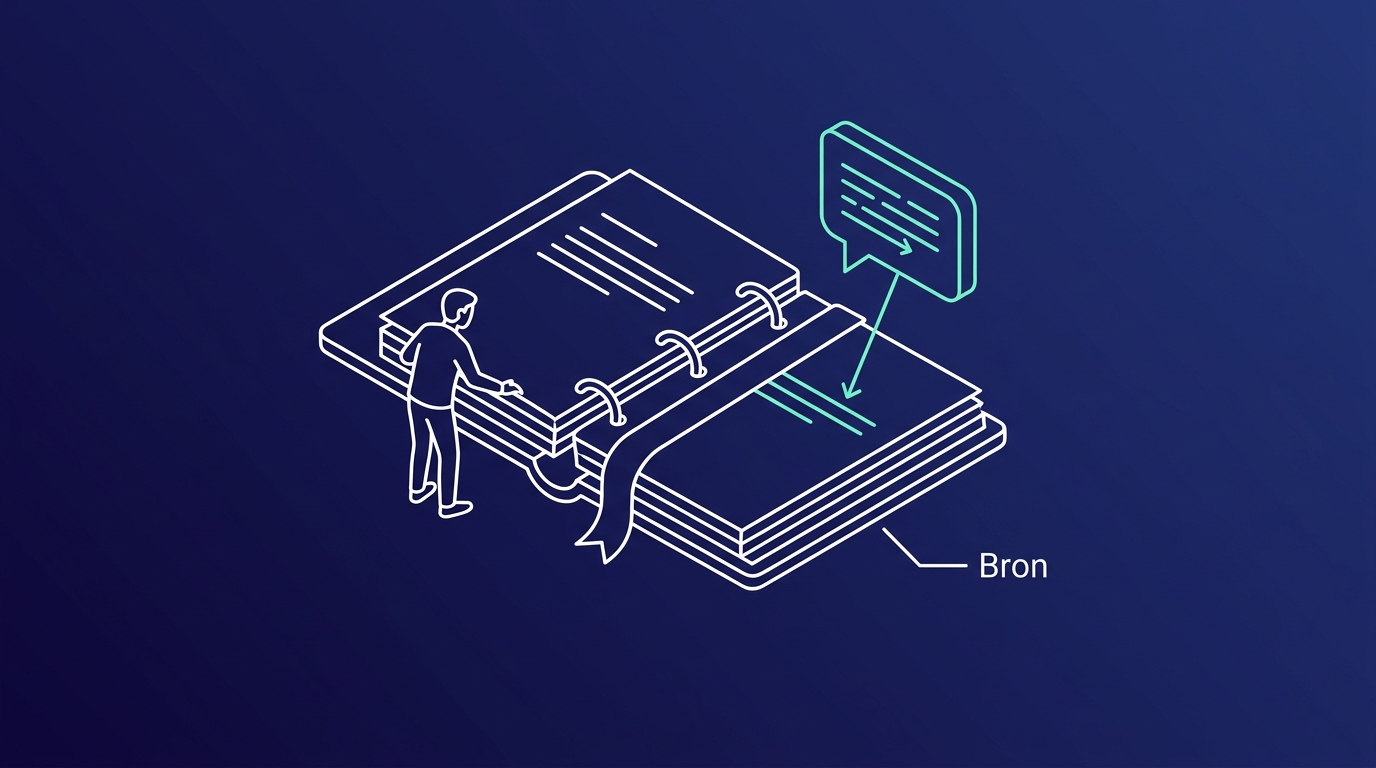
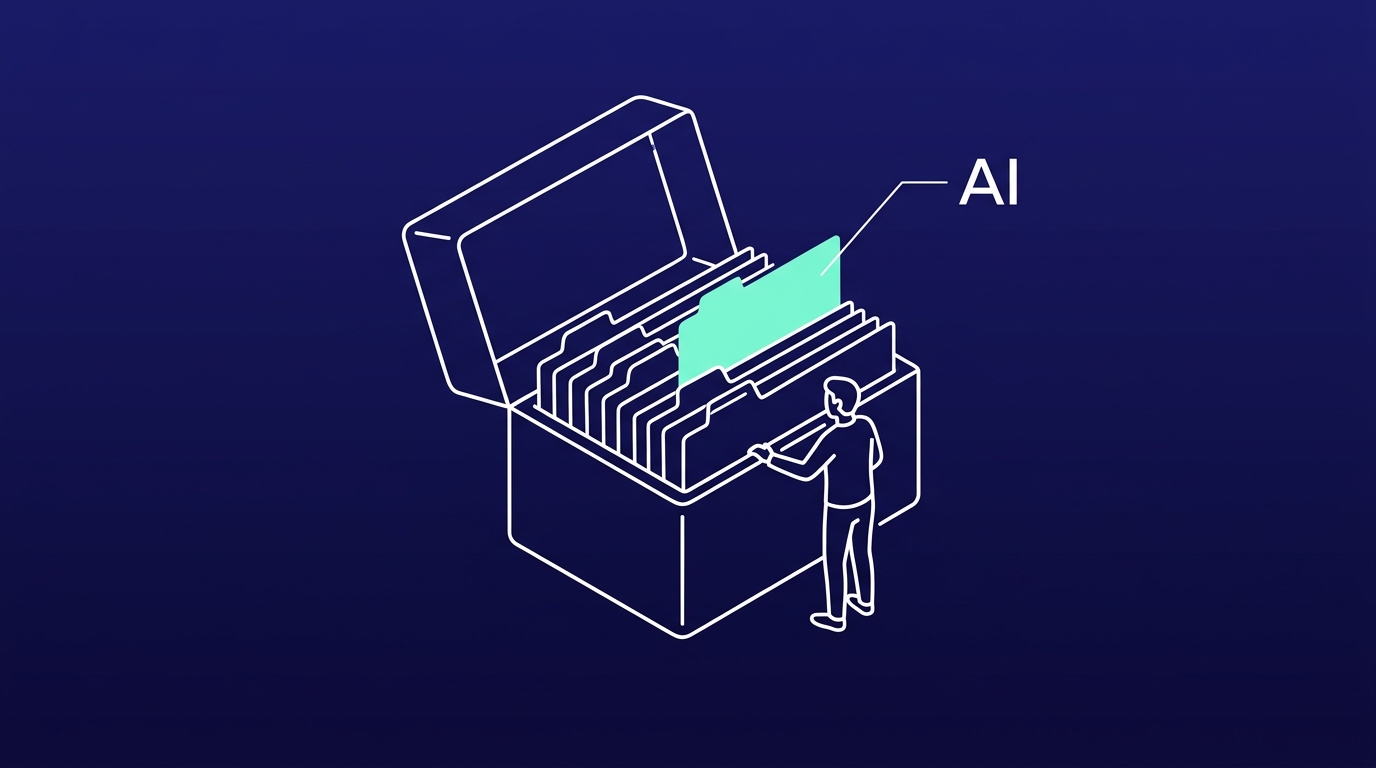
Meeting Intelligence reads the write-ups from your note-taking tool, determines whether the meeting was internal, with a client or with a prospect, and files it in the right folder. Every classification comes with the reasoning attached, so you can see why the system made that call.
The principle: the AI classifies, and when in doubt a human decides. That order is fixed, and you decide where the line sits.
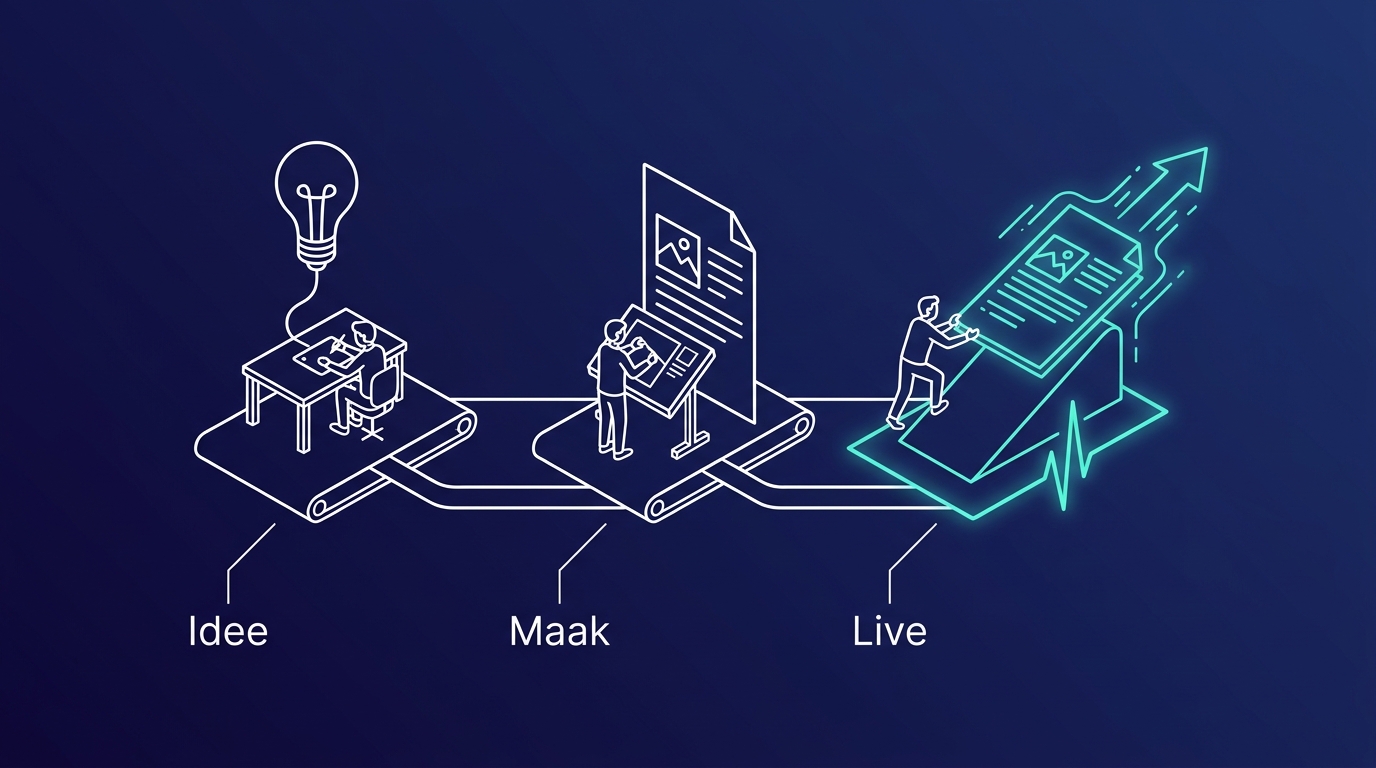
How it works: three steps
Three steps, of which you do zero. Unless the system is unsure, then it is your turn, and that is exactly the point.
1. The write-up comes in
Your note-taking tool delivers the write-up as soon as the meeting ends. Nobody has to upload or move anything.
2. The system classifies
Based on the participants and the content, the system determines the category: internal, client or prospect. It adds a score for how confident it is, plus an explanation of why. If the participant signals are weak, for instance an unknown email domain, the system demands maximum confidence instead.
3. File it, or hand it to you
Confident enough: the write-up goes straight into the right folder. In doubt: it lands in the review queue, with the flags that explain the doubt.
When in doubt, a human decides
A model that is sometimes wrong is fine, as long as it flags when it is unsure. Meeting Intelligence is built around exactly that. Everything below your threshold lands in the review queue, per meeting you see why there was doubt, and approving or correcting takes one click, in bulk too. Below the lowest threshold a human review is mandatory and a Slack notification goes out.
You set the thresholds
Want more to pass by a human? Slide the threshold up. It takes effect immediately, without anyone having to run a release. You set separate thresholds for auto-approval, spot checks and review, and per category you decide which folder a write-up goes to. The feedback loop with your own corrections can be switched on or off; when on, the system learns from what you improve.
You see what the system does
Trust in a system like this comes from numbers, and you get them. The dashboard shows the volume per day and the confidence trend, the distribution per category and per client, and how much is approved automatically versus how much you correct. If something fails during processing, the event stays visible in the webhook queue instead of silently disappearing.

The result: your meeting notes become an archive instead of a pile. With every meeting filed under the right client, "what did we agree again" becomes a question with an answer.
Want to see what that looks like in practice? In a half-hour demo we walk you through the system on a fully set-up environment, with someone who built it. We will tell you honestly if it is not a fit.
Frequently asked questions
Where do the write-ups come from?
From your existing note-taking tool, for example Fireflies. As soon as a meeting ends, it delivers the write-up automatically. Nobody has to upload anything.
What happens when the system is unsure?
The write-up goes to the review queue instead of a folder. Per meeting you see why there was doubt, and you approve or correct with one click, in bulk too. Below the lowest threshold a human review is mandatory and you get a Slack notification.
Does it learn from our corrections?
If you want it to. You can switch on the feedback loop with your own corrections, and the system will weigh your improvements in future meetings. You can also switch it off entirely.
Can we adjust the thresholds ourselves?
Yes, and it takes effect immediately. If you want more to pass by a human, you slide the threshold up. No release needed, no developer needed.
Want to apply this in your own organization?
In a no-obligation conversation we look at which tasks take up most of your team's time, and whether AI can safely take them over or speed them up. We respond within 24 hours.
Book an intro call